AI Lip Sync Video Generator
Turn portraits, characters, and dialogue scripts into lip-synced AI videos with more natural mouth movement, clearer speech timing, and avatar-ready performance.
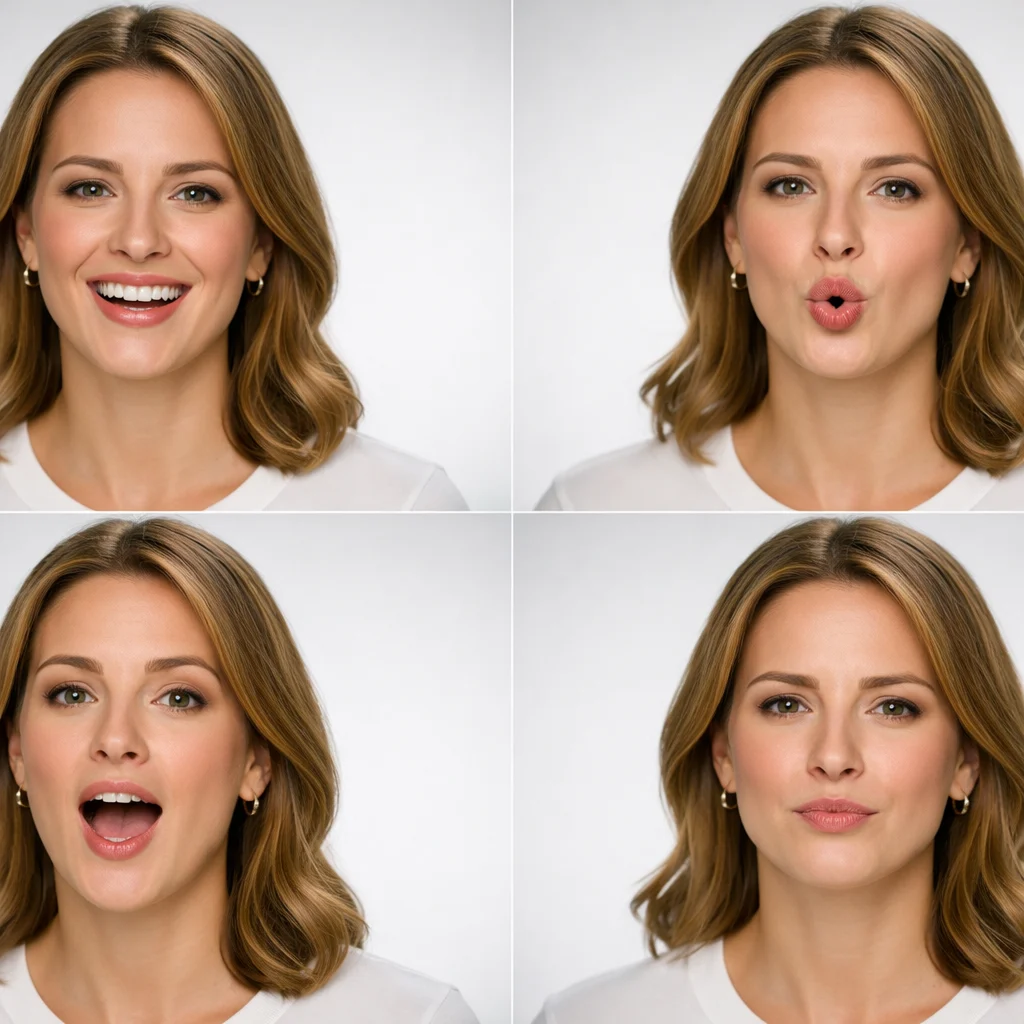
Lip sync is the right workflow when the face already exists and the goal is believable speech, not generic motion. Use it for talking avatars, dubbed characters, creator explainers, product spokespeople, and dialogue scenes where timing, pronunciation, and facial performance need to stay readable.
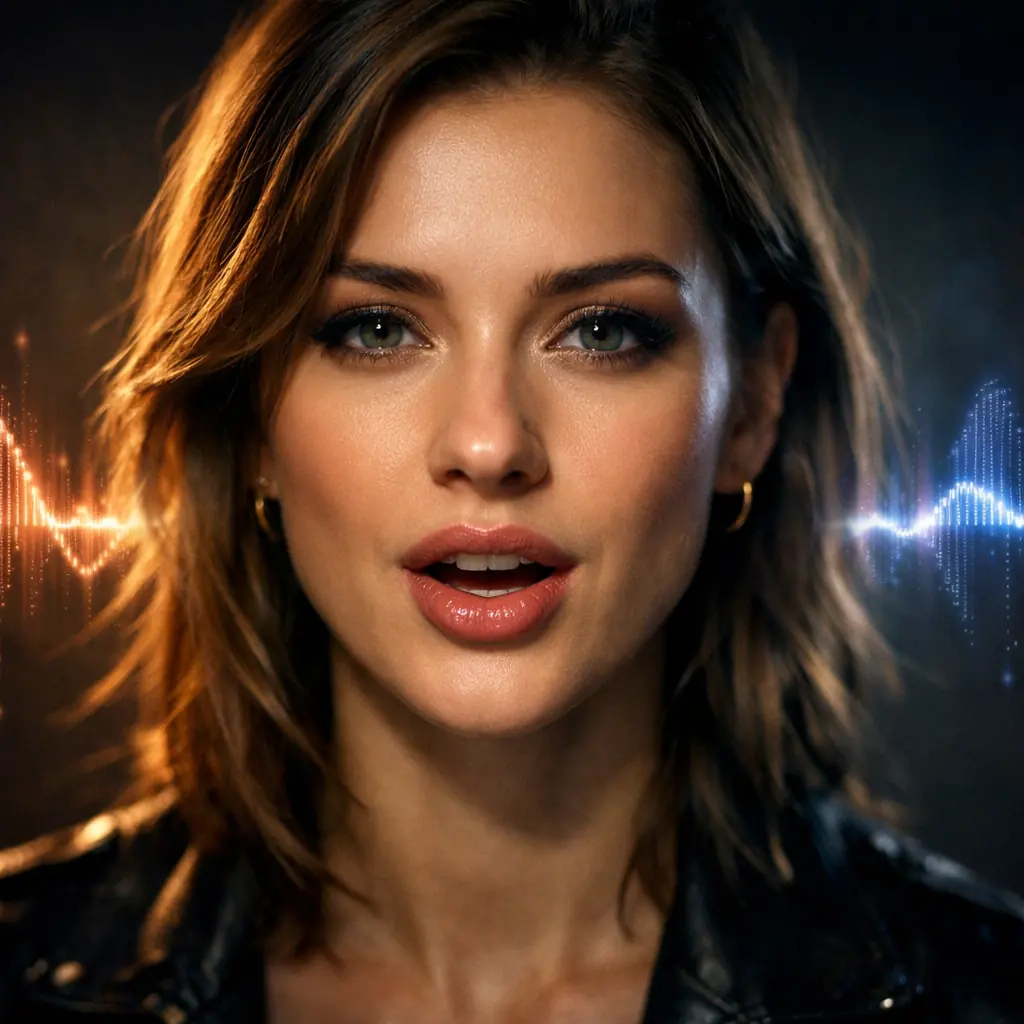
Try Lip Sync in the Playground
Open the video workspace, start with one clear speaking portrait and one short line, then refine delivery, pacing, and facial timing from the first draft.
How AI Lip Sync Works
The workflow is simple: start from a face that should speak, pair it with a clear voice track or dialogue cue, then refine timing and expression until the delivery feels believable.
Use a portrait, presenter image, avatar, or character clip when identity needs to stay recognizable. Lip-sync works best when the face is clear, front-facing enough to read, and not obscured by heavy motion.
Bring in spoken audio or write the exact line with guidance for language, pace, tone, or accent. The better the speech brief, the easier it is to align mouth shapes and expression timing.
Check whether the mouth closes and opens at the right beats, whether head movement feels natural, and whether the emotional delivery matches the line before tuning background, styling, or extra motion.
What You Can Do with AI Lip Sync
These are the core outcomes users actually care about when they need someone on screen to speak clearly and convincingly.
Turn a Portrait into a Speaking Presenter
Animate a still face or clean character portrait into a talking video when you need a host, spokesperson, or explainer without filming from scratch.

Create Dialogue-Led Clips for Social and Ads
Use lip sync for short scripts, creator reads, and product explainers where speech timing and facial delivery need to feel stronger than a standard slideshow or voiceover montage.
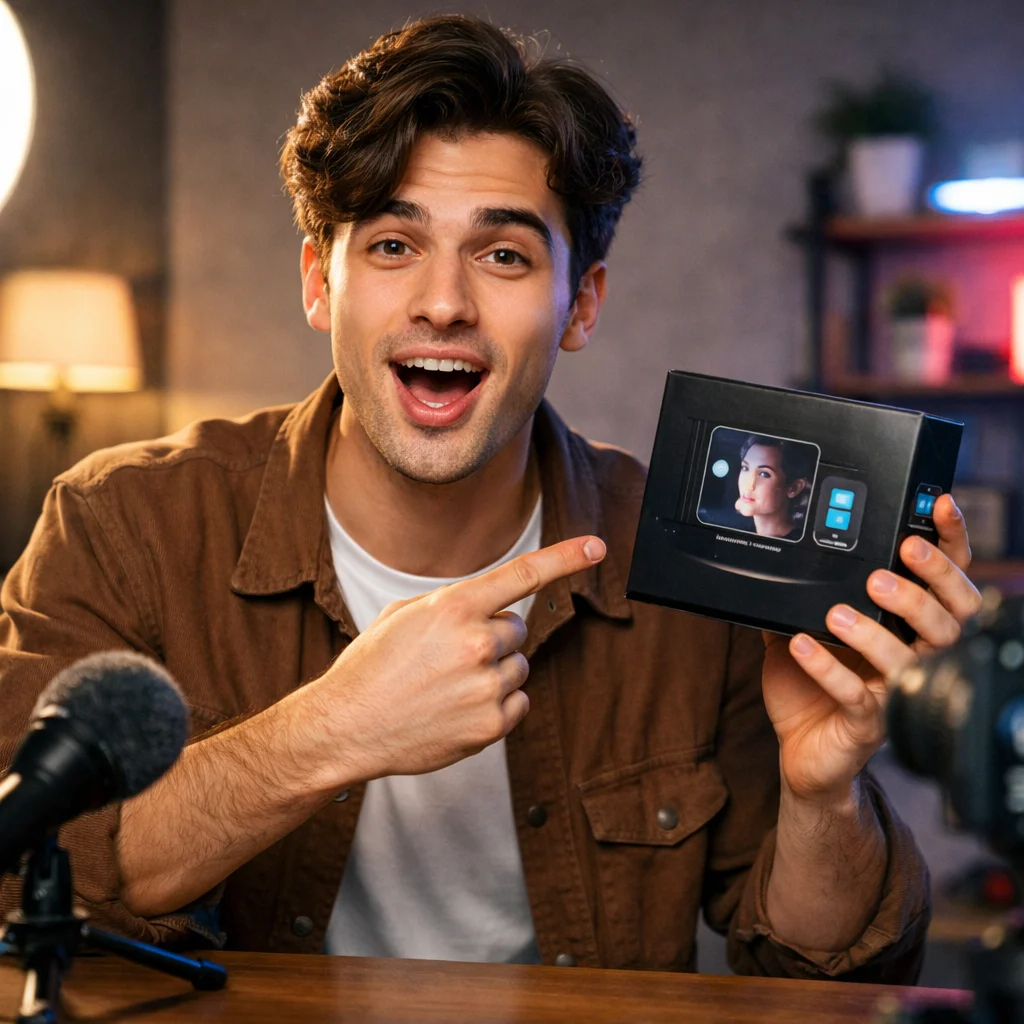
Dub Characters Across Languages and Accents
Adapt the same character or presenter to new languages, accents, or market versions while keeping the visual identity stable and the spoken performance readable.
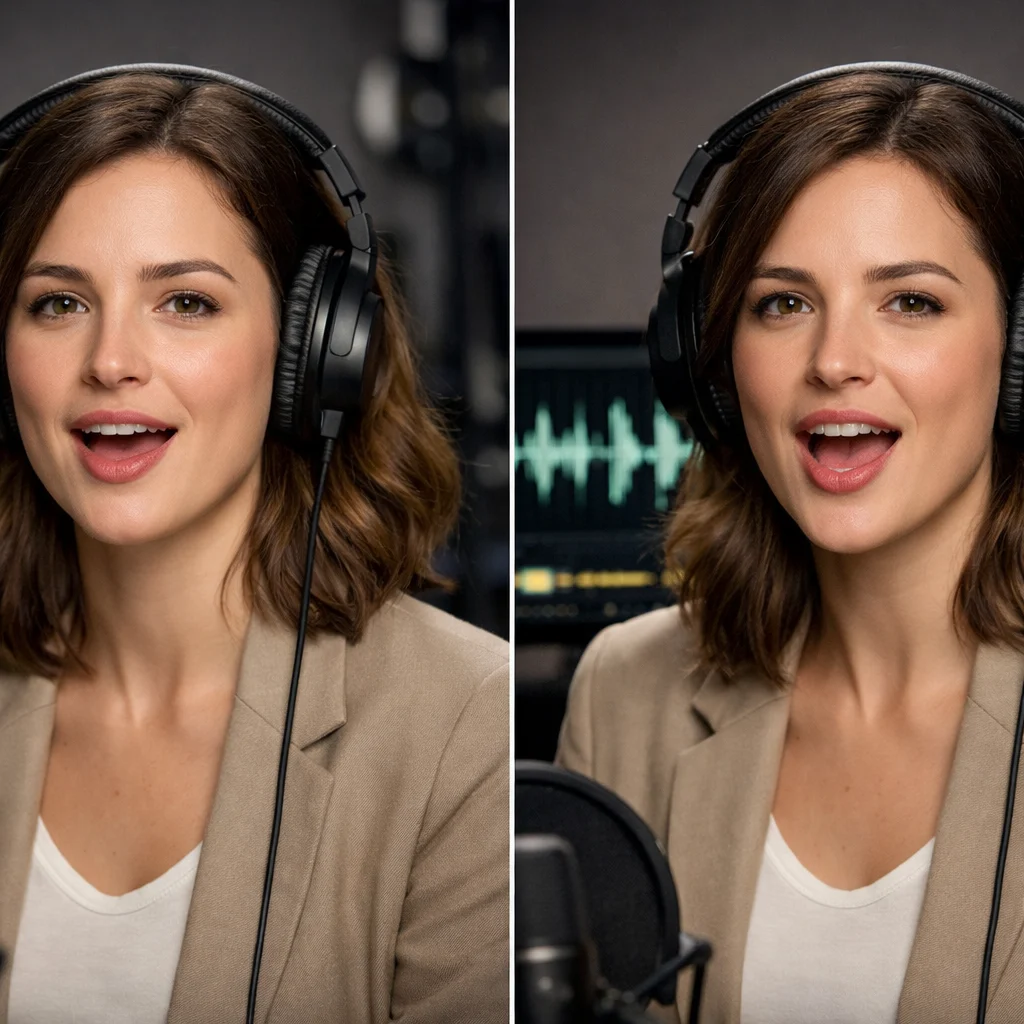
Keep the Speaker On-Brand Across Repeats
Lip-sync workflows are useful for repeated avatar videos, onboarding content, and campaign variants where the same face needs to deliver many short lines without losing consistency.
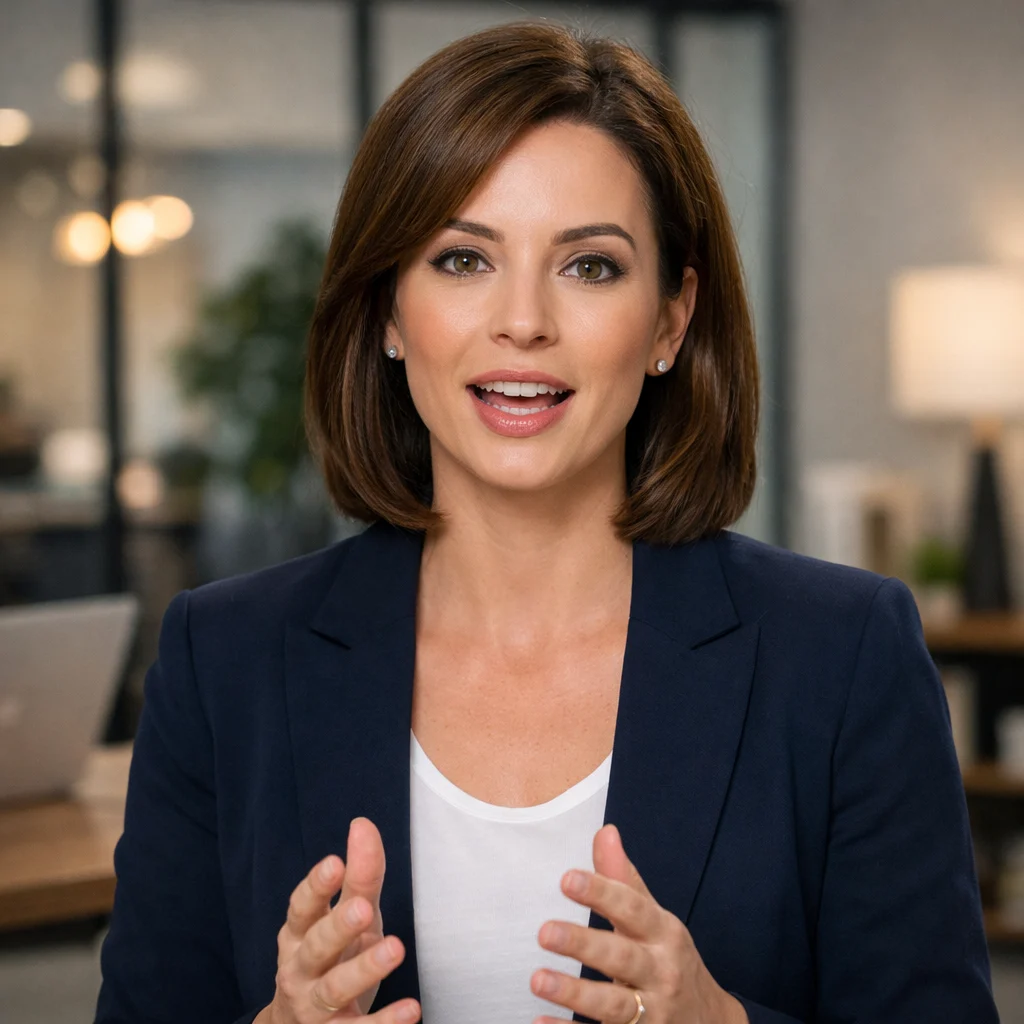
Why Teams Use Lip Sync Instead of Generic Video Generation
The advantage is not only that the face moves. The advantage is that speech becomes more precise, repeatable, and easier to trust in communication-heavy content.
Clearer Spoken Delivery
When the line matters, lip-sync workflows give viewers a stronger sense that the person on screen is actually saying the words instead of drifting around a voice track.
Who it is for
Creators and Social Teams
Build talking head clips, hooks, and short scripted reads that feel more direct than silent motion paired with subtitles.
Marketing Teams
Turn product messaging, testimonials, and campaign lines into avatar-led videos that can scale across formats and markets.
Education and Training Teams
Use lip sync for lessons, onboarding, walkthroughs, and support explainers where clarity of speech matters as much as the visuals.
Studios and App Builders
Prototype digital hosts, NPC dialogue, character dubbing, and multilingual speaking scenes without reshooting talent for each variation.
Use cases
Prompt and workflow guidance
A prompt formula that works
Keep the brief specific: who is speaking, what they are saying, what language or accent they use, how fast they speak, and what expression should carry the line. Example: confident product expert speaking in clear American English, medium pace, slight smile, direct eye contact, clean studio background.
How to get more believable mouth movement
Start with shorter lines, cleaner enunciation, and a face that is easy to read. If sync feels off, tighten the script, reduce competing head motion, and fix timing before adding more visual complexity.
When to choose lip sync over text-to-video
Choose lip sync when the speaker is the message. If the main job of the clip is speech, dubbing, instruction, or direct address, a face-led workflow is usually more effective than generating a whole scene around the dialogue.
FAQ
More to explore
More Tools







Start Creating with Lip Sync
Open the video workspace, test one clear portrait and one short script, then refine mouth timing, facial delivery, and speaking pace until the result feels believable.