Seedance 2.0 AI Video Generator
Generate cinematic AI videos from prompts or images with strong motion quality, flexible workflows, and fast creative iteration.
Seedance 2.0 is built for teams that need polished short videos without a heavy production cycle. Use it for cinematic concept clips, product storytelling, creator ads, image-to-video workflows, and prompt-led scene generation that still feels directed.

Try Seedance in the Playground
Open the video workspace with Seedance selected, start from a prompt or reference image, and move straight from the landing page into testing.
How to Work Faster with Seedance
Seedance works best when you start with a clear visual brief, choose the simplest workflow that fits it, and refine the first usable clip instead of over-directing the first prompt.
Use text-to-video when the whole scene is still open, image-to-video when the visual identity already exists, and guided motion when you need more deliberate structure.
Focus the prompt on who or what is in the scene, how it moves, what the camera feels like, and what visual mood the clip should carry.
Check motion quality, framing, and visual consistency first. Then tighten one dimension such as pace, camera feel, or scene detail until the clip matches the brief.
What Seedance Gives You Control Over
These are the features that matter when you need a short AI video you can actually test, share, or build on.
Text-to-Video for Fast Scene Drafting
Turn a concise creative brief into a usable first video draft when you need to explore ideas quickly without a fixed source image.

Image-to-Video from Existing Visuals
Start from a still frame, product render, or campaign image when identity and composition need to stay closer to the source.
Prompt-Led Cinematic Motion
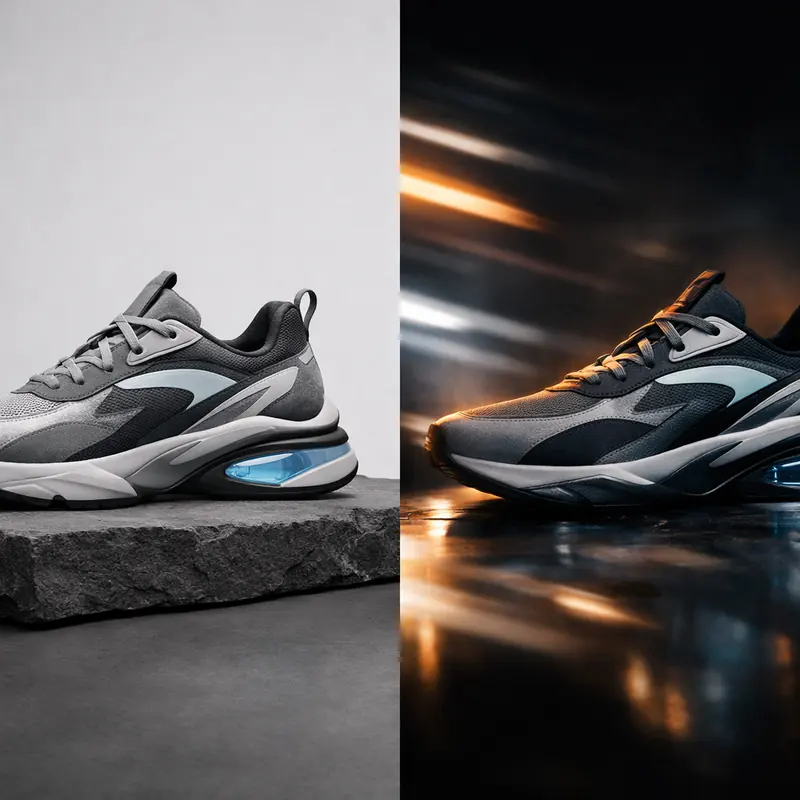
Use camera, pace, and atmosphere language to push outputs toward intentional scenes instead of loose generic animation.

Short Clips for Social and Launch Work
Generate fast-turnaround clips for paid social, creator hooks, landing page motion, and product reveals that need to feel polished quickly.

Flexible Workflow for Concept and Storyboard Teams
Move between pure prompts, reference-led shots, and guided motion depending on how defined the project already is.

Fast Iteration Without Heavy Production Overhead
Use Seedance when speed matters just as much as visual quality, especially for drafts, testing loops, and creative approvals.

Why Creative Teams Reach for Seedance
The value is not just that it generates clips. The value is that it supports multiple entry points while staying fast enough for iteration.
Faster Concept Validation
Seedance helps teams move from idea to visible scene quickly, which makes approvals, testing, and internal alignment easier.
Who it is for
Marketing Teams
Create ad concepts, launch visuals, and short product teasers without waiting on a full production schedule.
Creators and Social Editors
Test hooks, visual ideas, and short cinematic clips for reels, shorts, and campaign content.
Product Storytellers
Turn features, interfaces, and hero renders into motion-led storytelling assets that are easier to pitch and iterate.
Creative and Strategy Teams
Prototype storyboards, mood videos, and concept scenes while staying flexible across prompt-only and image-guided workflows.
Use cases
Prompt and workflow guidance
A prompt formula that works
Start with subject and action, then add environment, movement, camera feel, pace, and mood. Example: a chrome electric bike cuts through wet city streets at blue hour, low tracking camera, reflected signage, crisp motion, premium commercial tone.
When to use text versus image input
Use text when the scene is still flexible and you want broader exploration. Use an image when the team already has a key visual, product render, or portrait that must stay closer to the source.
What to review in the first result
Look first at shot clarity, motion quality, and whether the scene matches the intended use case. Once the core shot works, refine detail, pacing, and composition in smaller passes.
FAQ
More to explore
More Tools







Start Creating with Seedance
Use Seedance when you need prompt-led scenes, reference-driven motion, and fast creative iteration in one video workflow.