Animate Replace AI Video Editor
Replace characters, products, or focal objects inside moving shots while keeping the scene timing, camera path, and edit rhythm closer to the original clip.
Animate replace is the right workflow when the shot already works but the person, product, or hero object needs to change. Use it for character swaps, branded product inserts, campaign adaptations, and subject-level revisions where the motion structure should stay recognizable while the main element gets replaced.

Try Animate Replace in the Playground
Open the video workspace, start from one shot with motion worth keeping, and test one precise replacement before you branch into more aggressive variations.
How Animate Replace Works
The workflow is simple: start from a shot with motion you want to keep, define the exact subject that should be replaced, then refine integration until the new element feels native to the scene.
Animate replace works best when the timing, blocking, and camera move already make sense. The shot should be worth preserving before you change the hero subject inside it.
Be explicit about the subject to replace, the new subject to insert, and the parts that should remain untouched such as camera path, lighting mood, or scene composition.
Check whether the replacement tracks naturally through motion, respects perspective, and feels anchored in the same scene before increasing style strength or adding more aggressive edits.
What You Can Do with Animate Replace
These are the replacement outcomes users actually need when a working shot must evolve without a reshoot.
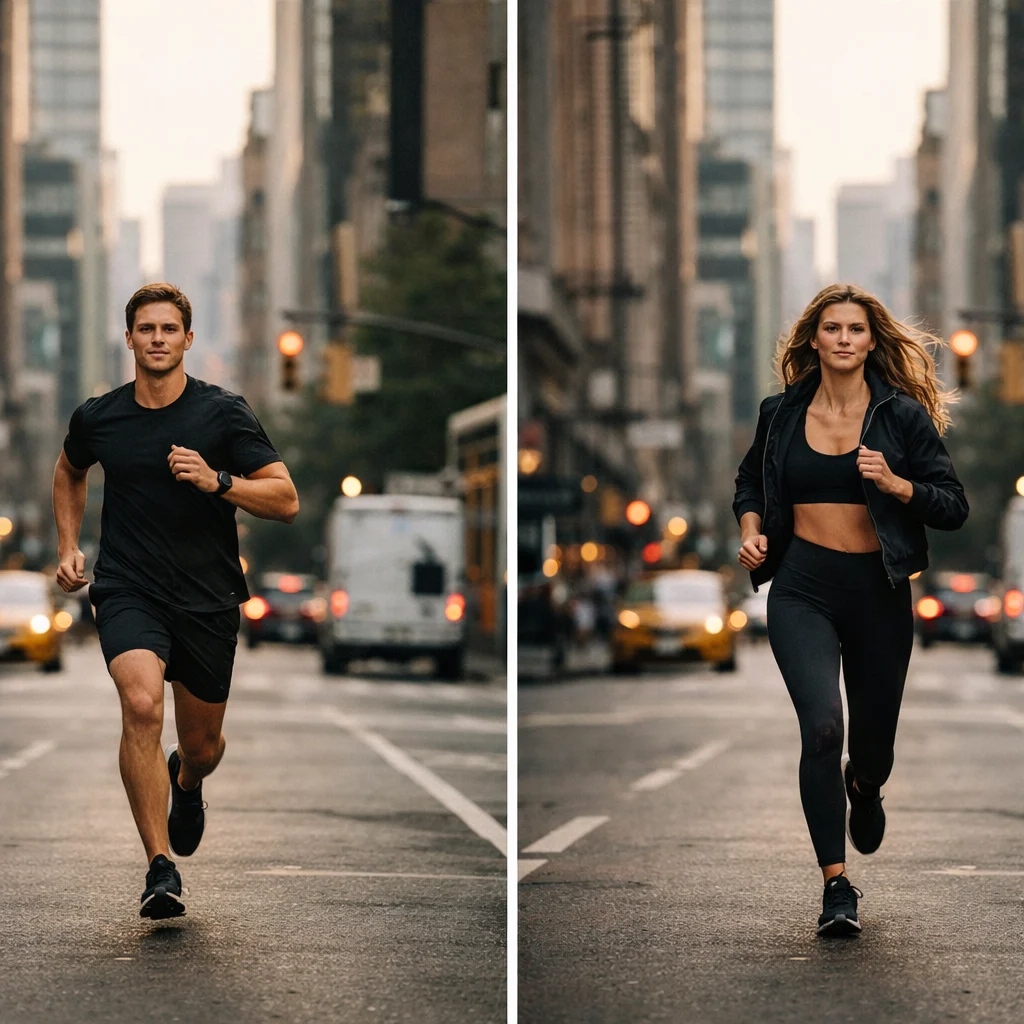
Swap One Character for Another in the Same Scene
Replace the main performer while keeping the shot pacing and movement structure closer to the original clip, which is useful for avatar variants, casting-style tests, or character-led creative changes.
Replace a Product Inside an Existing Ad Shot
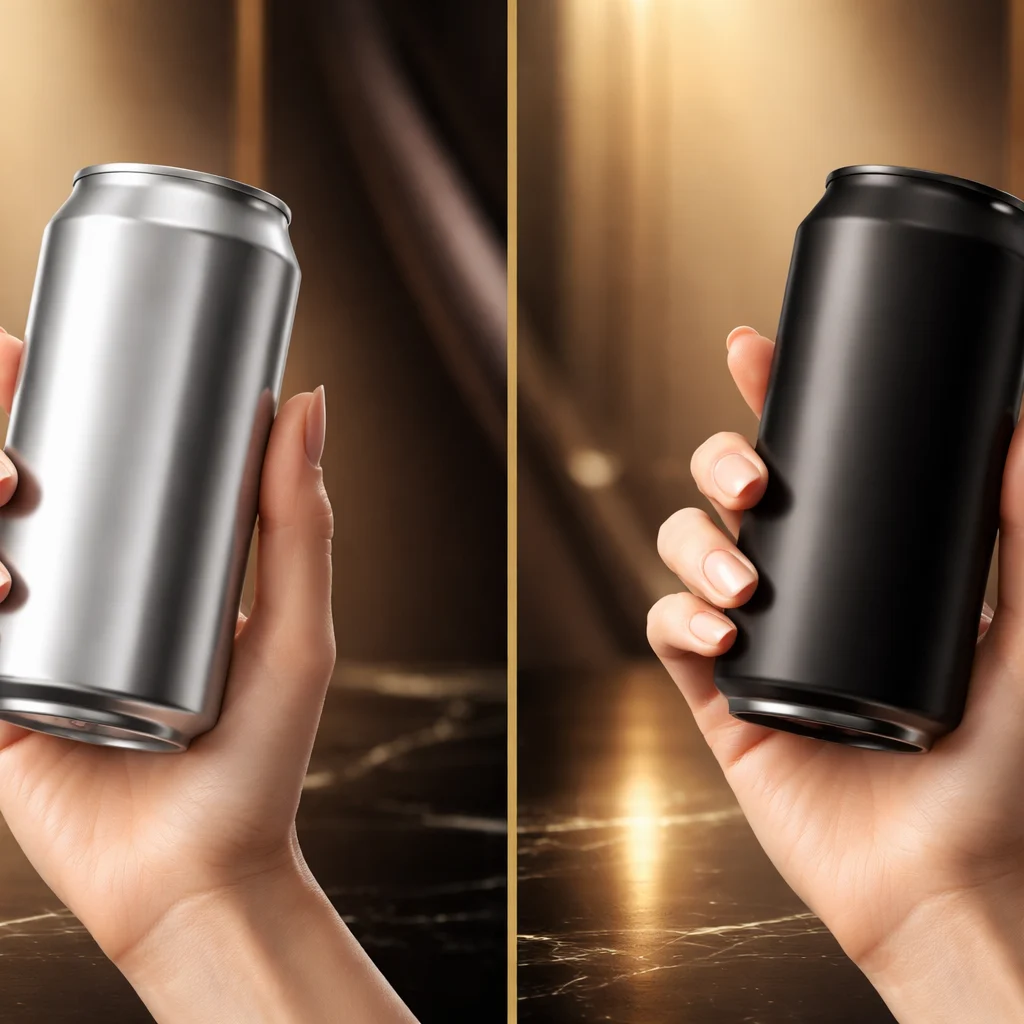
Use animate replace when the commercial structure already works but the hero product, packaging, or featured object needs to change for a new offer or market version.
Create Alternate Campaign Versions Faster
Turn one motion asset into multiple creative variants by changing the subject while preserving framing, edit rhythm, and overall scene energy.

Keep the Scene but Change the Story Focus
When the environment and motion still work, animate replace lets you shift attention to a different person, item, or visual hero without rebuilding the whole video concept.
Why Teams Use Animate Replace
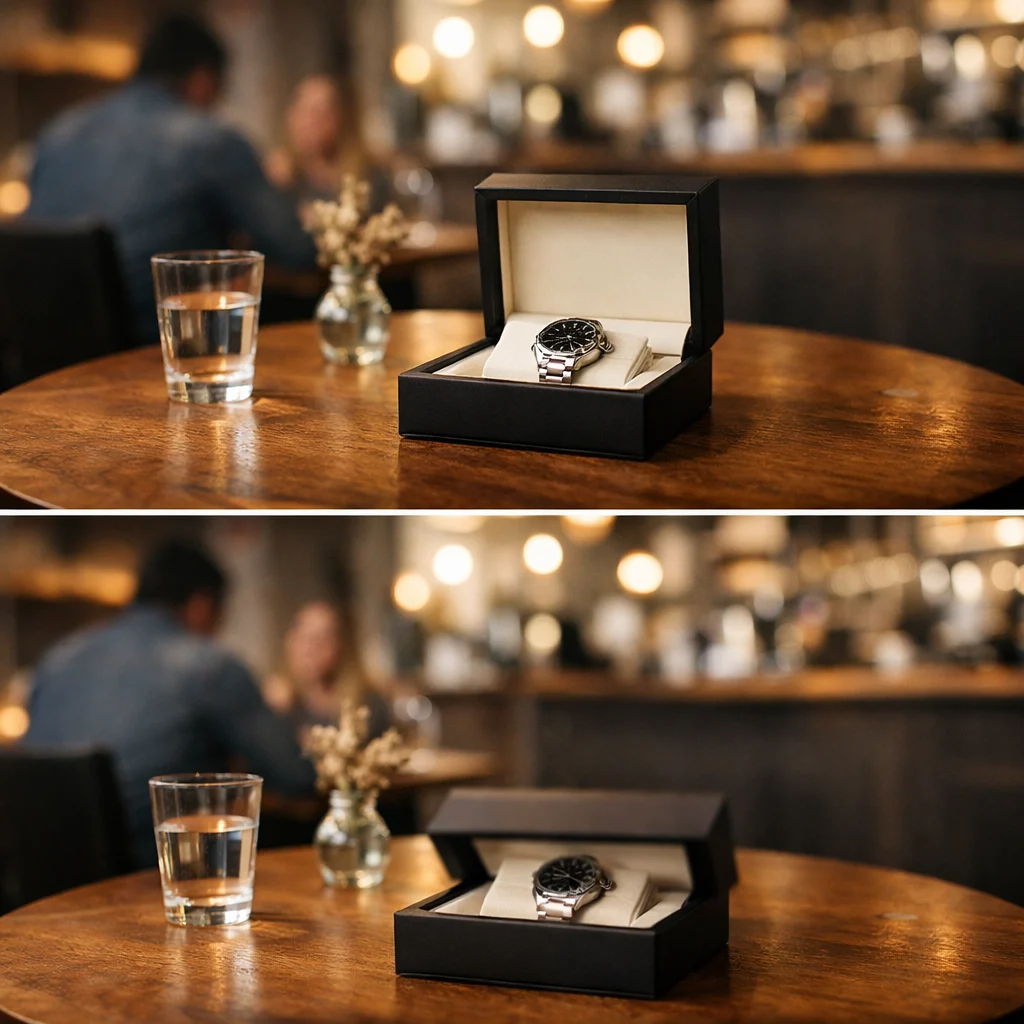
The value is not only subject swapping. The value is preserving production leverage from footage or motion drafts that are already working.
Faster Revisions from Existing Motion
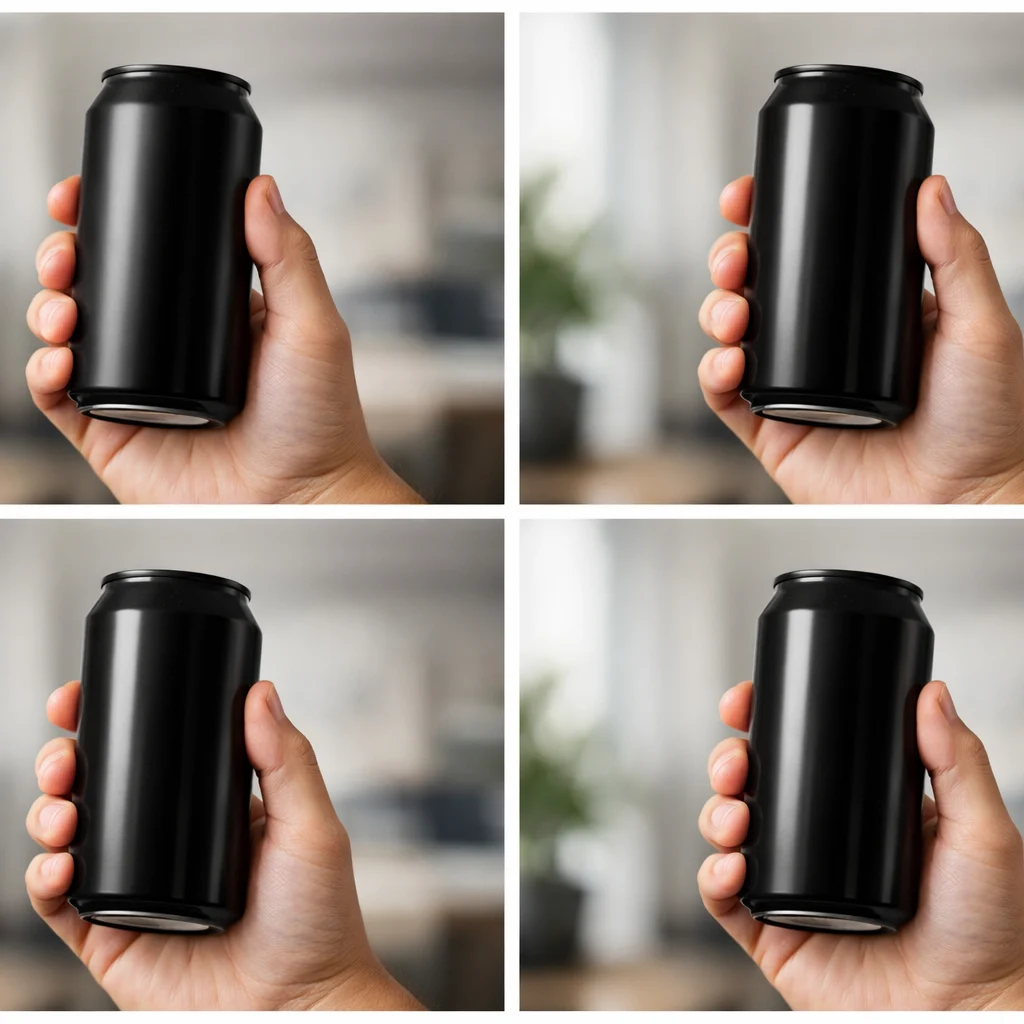
Instead of rebuilding a whole scene, teams can reuse timing and camera movement that already work and focus on replacing only the part that needs to change.
Who it is for
Marketing Teams
Adapt winning product shots, launch clips, and campaign assets into new variants without rebuilding the entire motion concept.
Editors and Creative Producers
Use animate replace when the cut, timing, and motion arc are already right but the hero subject needs to change late in the process.
Agencies and Studios
Prototype character swaps, alternate product visuals, and multiple ad versions quickly before moving into heavier production.
Creative Technologists
Experiment with subject replacement pipelines where continuity, composition, and scene anchoring matter more than generating new footage from zero.
Use cases
Prompt and workflow guidance
A prompt formula that works
Describe the source shot first, then state exactly what must change and what must remain. Example: keep the handheld walk-through shot, same camera path and lighting, replace the silver soda can with a matte black energy drink can, preserve hand motion and shelf reflections.
What to protect during replacement
Call out continuity anchors explicitly: camera move, subject scale, scene lighting, reflections, shadows, and timing beats. If those drift, the replacement will feel pasted on instead of integrated.
When to choose animate replace over text-to-video
Choose animate replace when the shot structure is already solved. If the edit rhythm, composition, or motion path is good and only the hero subject changes, replacement is more efficient than generating a new clip from scratch.
FAQ
More to explore
More Tools






Start Editing with Animate Replace
Open the video workspace, pick one shot worth preserving, and test one tightly scoped replacement before expanding into broader scene revisions.