图片转视频
把静态图片转成动态视频,并为后续模型控制、提示词模板和专题内页预留稳定路径。
这个页面作为图片转视频工作流的父级入口,适合产品展示、人物动态化和社媒短视频场景。
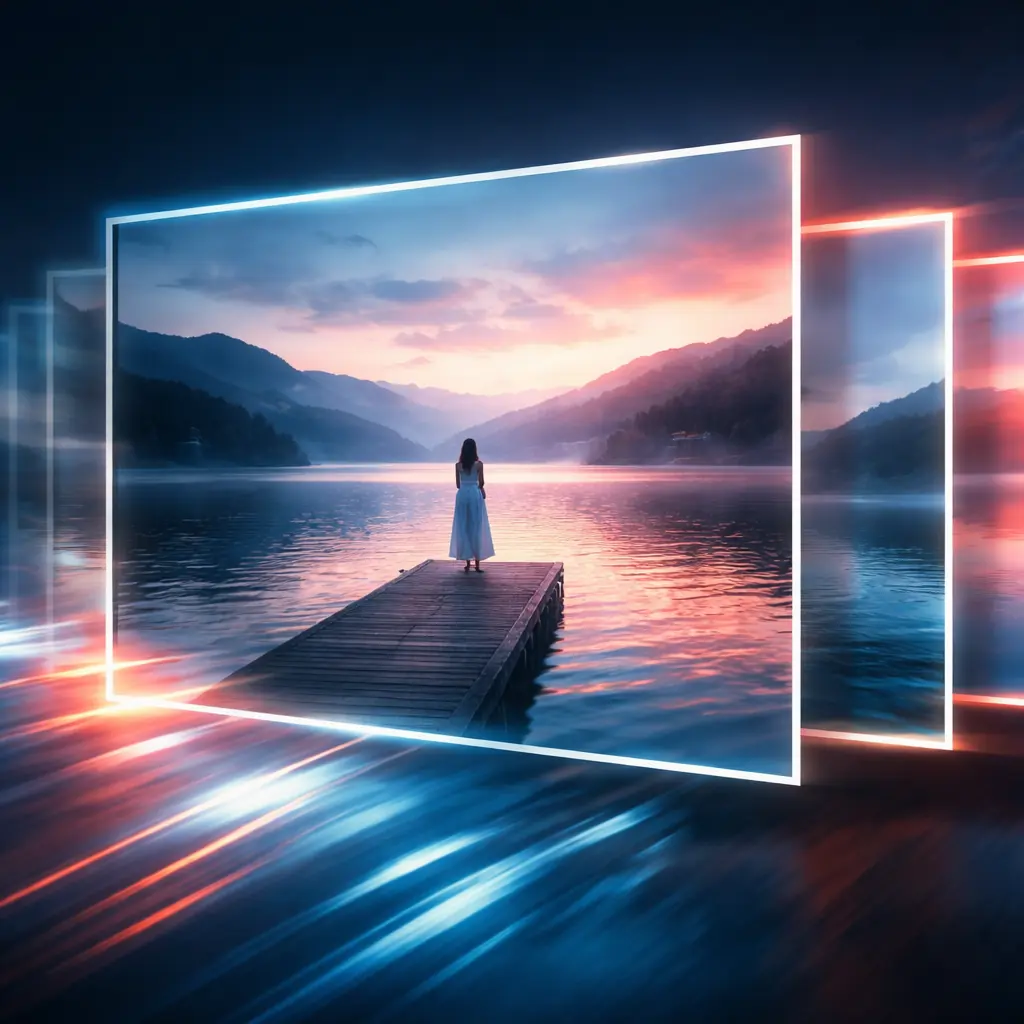
Try Image-to-Video in the Playground
Upload a reference image, add a concise motion prompt, and test the still-to-motion workflow directly in the video workspace.
How Image-to-Video Works
The process is straightforward: start from the frame you want to preserve, describe the motion you want to add, then refine pacing and framing until the shot feels usable.
Choose the portrait, product shot, or scene still that already has the composition and visual identity you want to protect.
Add prompt direction for subject movement, environmental motion, camera feel, lighting, or reveal timing so the clip grows from the original image instead of drifting away from it.
Check subject fidelity, motion quality, and framing first. Then adjust one variable at a time until the clip is ready for social, concept, or product storytelling use.
What You Can Do with Image-to-Video
These are the controls people care about when a still image needs to become a believable moving shot.
Animate a Single Still into a Moving Shot
Start with one image and turn it into a short clip with subject motion, environmental movement, and a more cinematic sense of time.
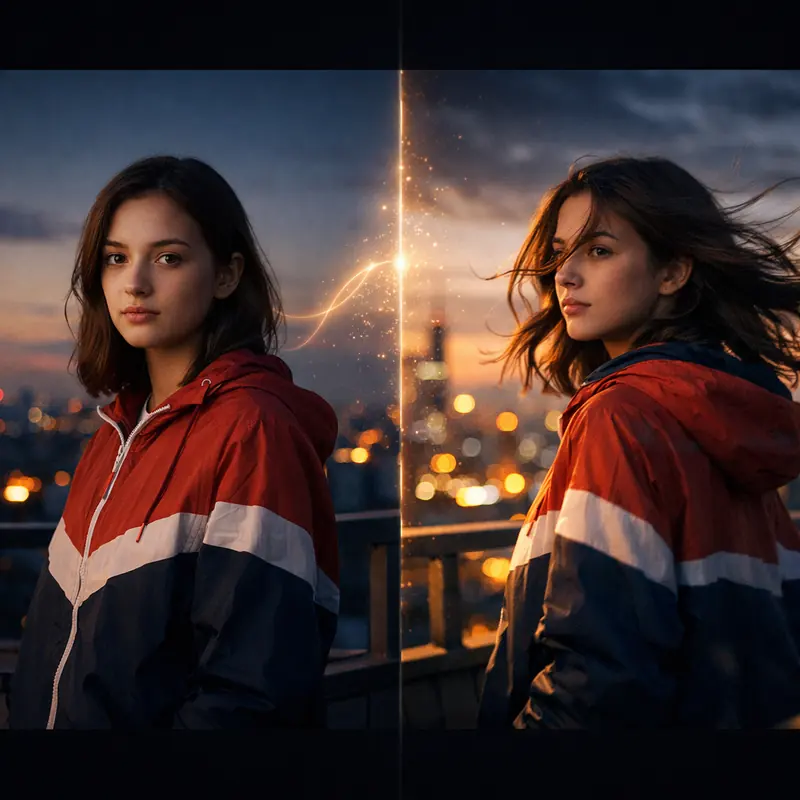
Keep Product or Character Identity Closer to the Source
Image guidance helps preserve shape, styling, and composition better than prompt-only video generation when consistency matters.
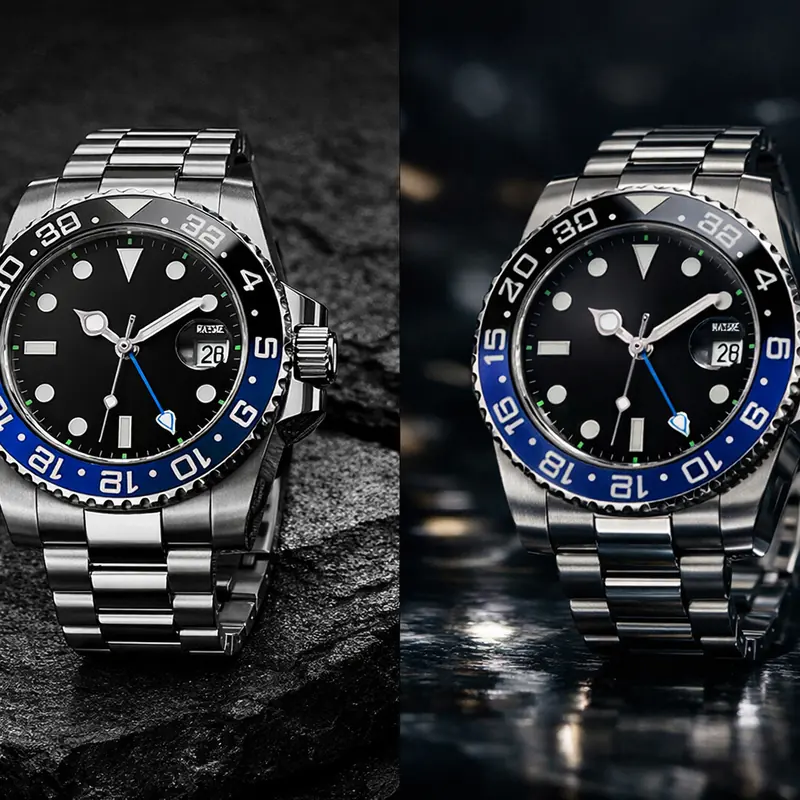
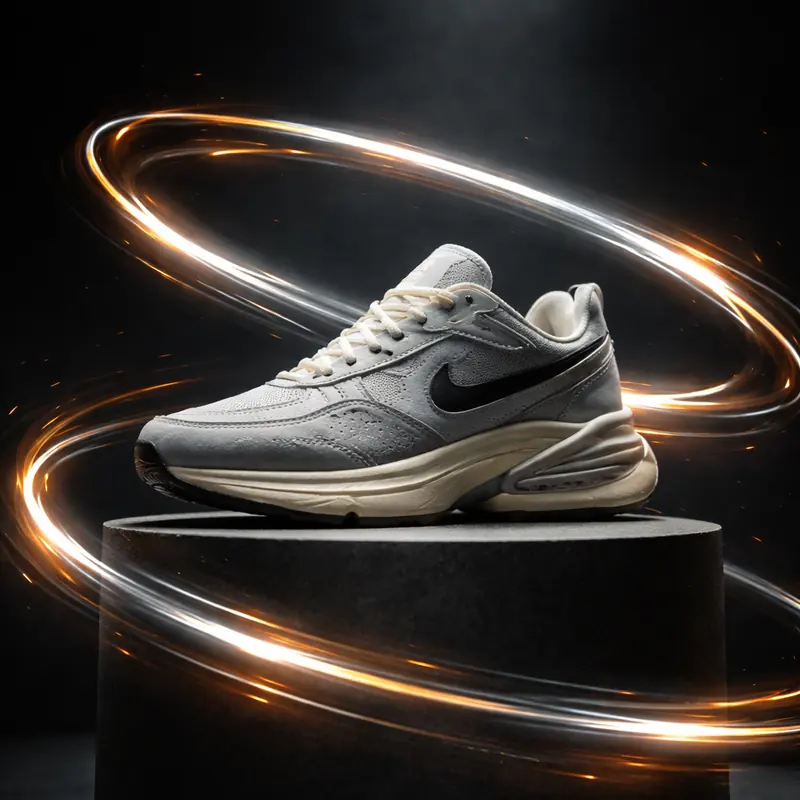
Build Product Reveals from One Hero Frame
Use one polished product image to create reveal shots, dramatic turns, light passes, or launch visuals without a full production setup.
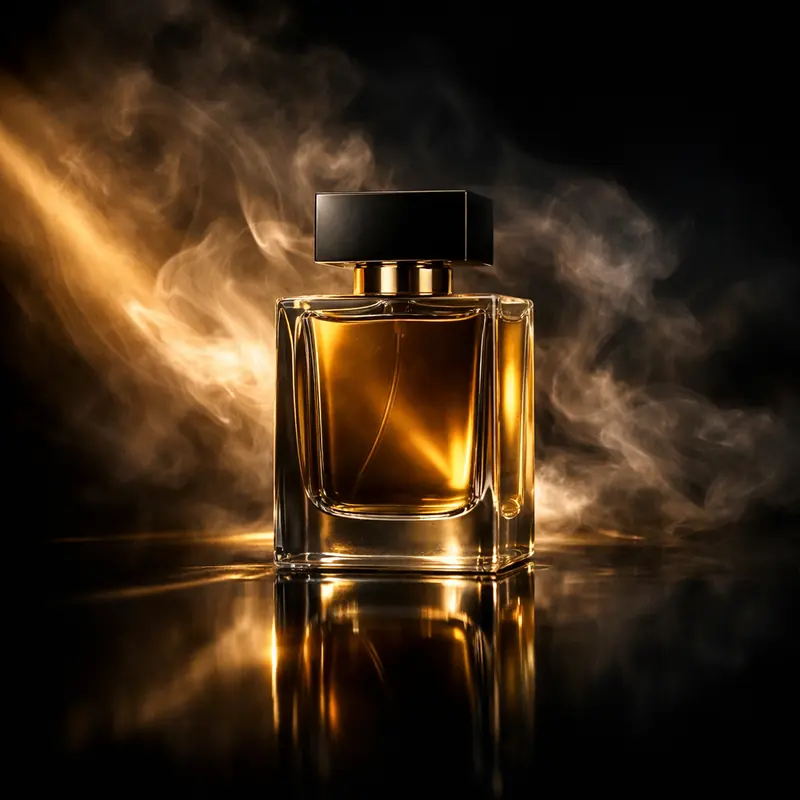
Add Camera Direction to a Static Composition
Prompt in push-ins, pans, orbit feels, or slow reveal movement so the result looks directed rather than randomly animated.
Turn Key Visuals into Social Clips
Take brand images, campaign stills, or creator visuals and adapt them into short motion assets for reels, paid social, or landing page loops.
Guide Motion with Stronger Transition Thinking
Treat the still as the opening state of the shot and prompt toward a clear destination, so motion feels intentional instead of decorative.
Why Teams Use Image-to-Video
The payoff is not just motion. It is faster iteration when the visual starting point is already strong.
Faster First Drafts
A strong input image gives the model a better starting point, so you spend less time recovering the composition or subject from vague prompt results.
Who it is for
Creators and Editors
Turn portraits, concept art, and cover images into motion clips without rebuilding the look from scratch.
Marketing Teams
Animate campaign stills, product imagery, and launch visuals into short ads or landing page video loops.
Product Storytellers
Use one strong hero frame to create reveals, close-ups, and scene transitions that feel more polished than a static image carousel.
Design and Brand Teams
Extend key visuals into motion while keeping brand colors, composition, and subject identity closer to the approved source asset.
Use cases
Prompt and workflow guidance
为什么这条路由重要
对于已经有视觉素材的用户,图转视频是最直接的转化路径之一。这个页面后续会成为 still-to-motion 工作流的重点落地页。
后续怎么扩
这个分支可以继续拆出人物动画、产品展示、图集转场等子页面,而不需要再改整体路由结构。
FAQ
More to explore
More Tools






Turn a Still into Motion
Upload a strong image, add clear motion direction, and use the first draft to refine camera feel, pacing, and visual fidelity until the clip is ready to ship.