AI Transition
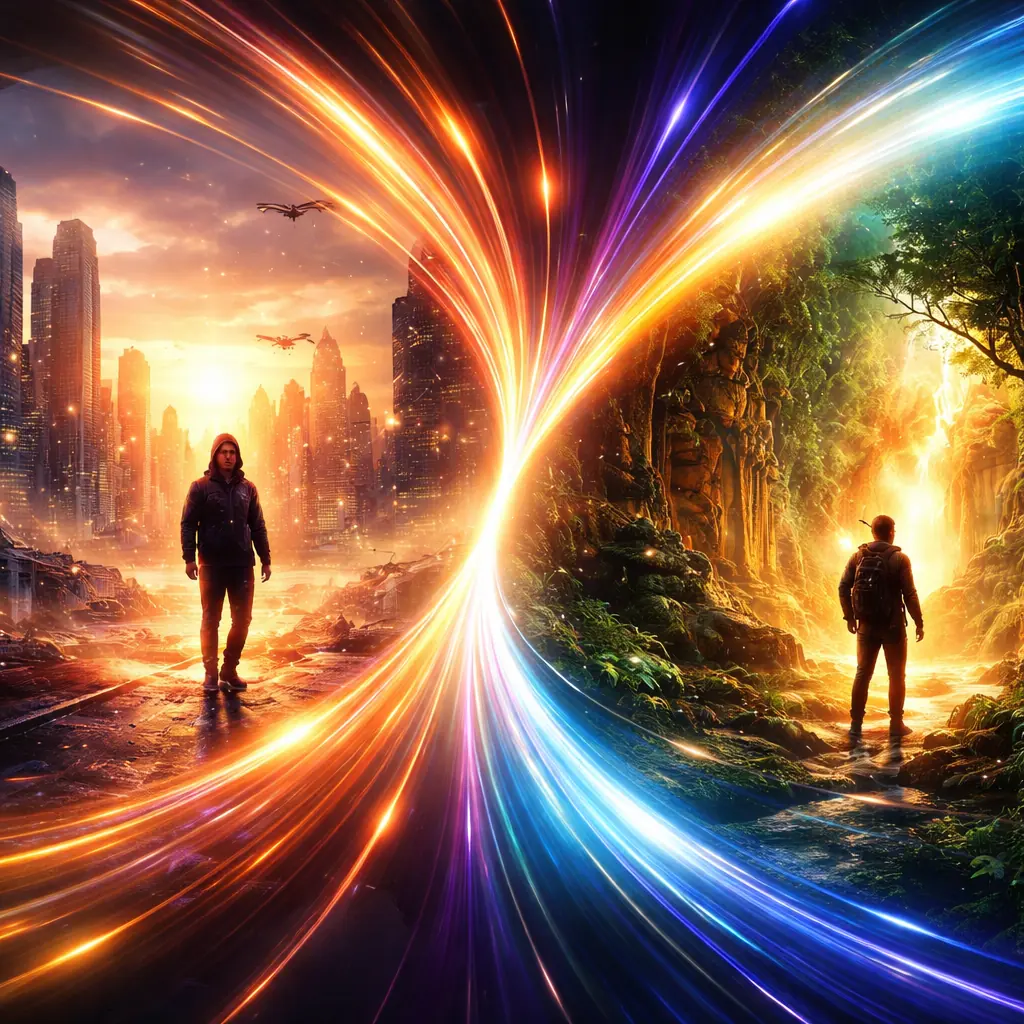
Build smooth transitions between images or scenes with a dedicated public landing path.
This route is reserved for transition-specific workflows, from slideshow motion to scene blending and reveal effects.
Playground
How it works
Start with an idea, choose the right input, and refine the output based on the result you want.
Two-frame or multi-frame transitions
Scene blending and reveal effects
Stable path for future effect pages
Key features
These are the main reasons users choose this workflow.
Two-frame or multi-frame transitions
This route is reserved for transition-specific workflows, from slideshow motion to scene blending and reveal effects.
Scene blending and reveal effects
This route is reserved for transition-specific workflows, from slideshow motion to scene blending and reveal effects.
Stable path for future effect pages
This route is reserved for transition-specific workflows, from slideshow motion to scene blending and reveal effects.
Use cases
Prompt and workflow guidance
Why this route matters
Transition workflows are easier to market by effect and outcome than by model name. A dedicated page makes the category clearer for both users and search engines.
How it can expand
This branch can later support multi-frame transitions, slideshow motion effects, and visual examples without crowding the main /video hub.
More to explore
More Tools




Ready to try it?
Open the workspace and start building your first result.