Kling AI Video Generator
Turn prompts, images, and frame direction into cinematic AI videos with stronger subject consistency, multi-shot storytelling, and social-ready motion.
Kling is a strong fit when you need polished AI video output without overcomplicating the workflow. Use it for cinematic scenes, creator clips, product storytelling, and dialogue-led shots where prompt control, image guidance, and more stable scene continuity matter.

Try Kling in the Playground
Open the video workspace, start with one concise scene brief or one reference image, and iterate on continuity, shot design, and pacing from there.
How Kling Works
Kling works best when you match the input type to the amount of control you need, then refine the first useful draft instead of rewriting everything at once.
Use text-to-video for new scene ideas, image-to-video when the look already exists, and start or end frame guidance when the transition path matters more than open-ended motion.
Call out subject, action, framing, camera movement, lighting, timing, dialogue, or sound so Kling has enough direction to generate a coherent scene instead of a vague animation.
Review whether the main subject stays consistent, whether shot changes feel natural, and whether the clip length matches the intended use before tuning style intensity or extra detail.
What You Can Do with Kling
These are the controls that matter when you want usable AI video output, not just motion for motion's sake.
Generate New Scenes from Prompt-Only Direction
Start with a clear prompt when you need a new cinematic scene, creator clip, or branded visual from scratch. Kling is strongest when the prompt covers subject, action, framing, environment, and pacing instead of only naming a style.
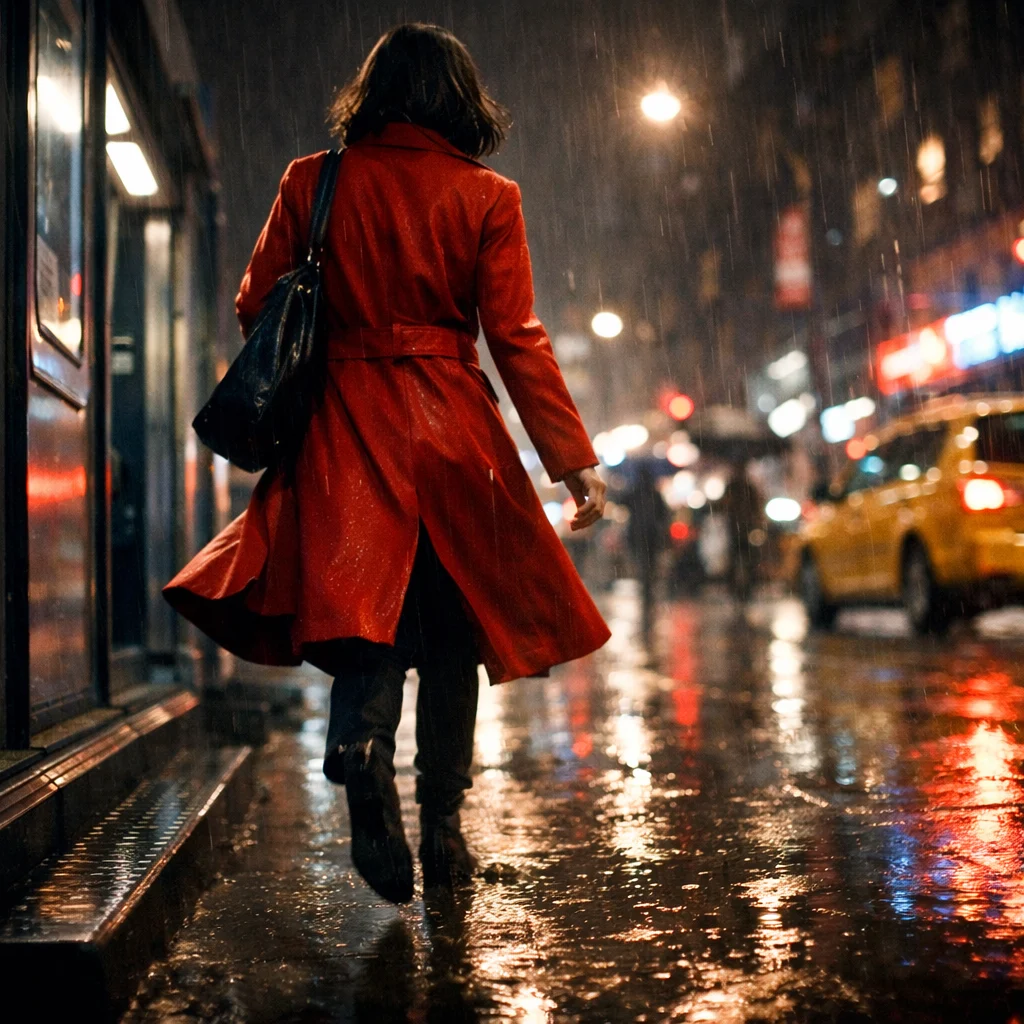
Animate Images While Keeping the Core Subject Stable
Use image-to-video and element reference workflows when the character, product, or art direction needs to stay recognizable across motion instead of drifting too far from the source image.
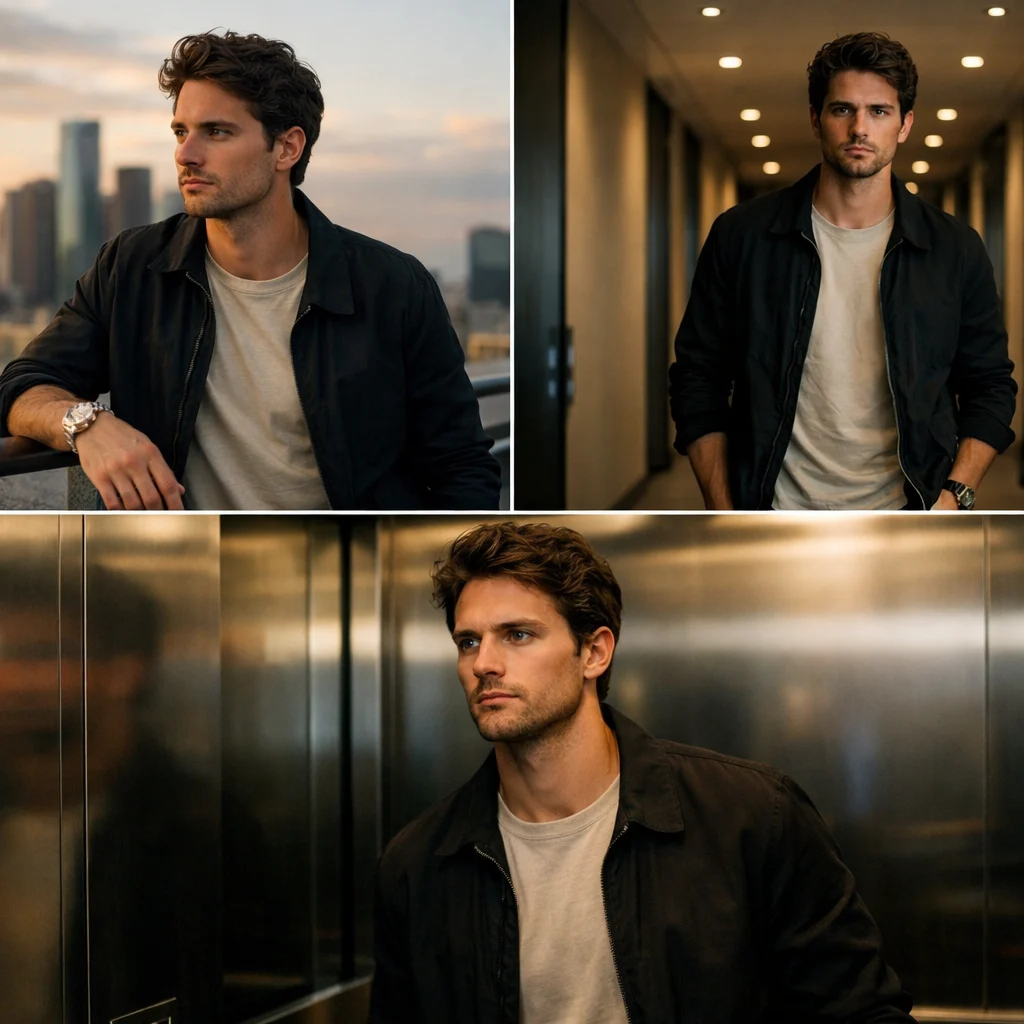
Build Multi-Shot Scenes in a Single Generation Pass
Kling is useful for short narrative sequences, shot changes, and more directed scene coverage when a single static composition is not enough to sell the idea.
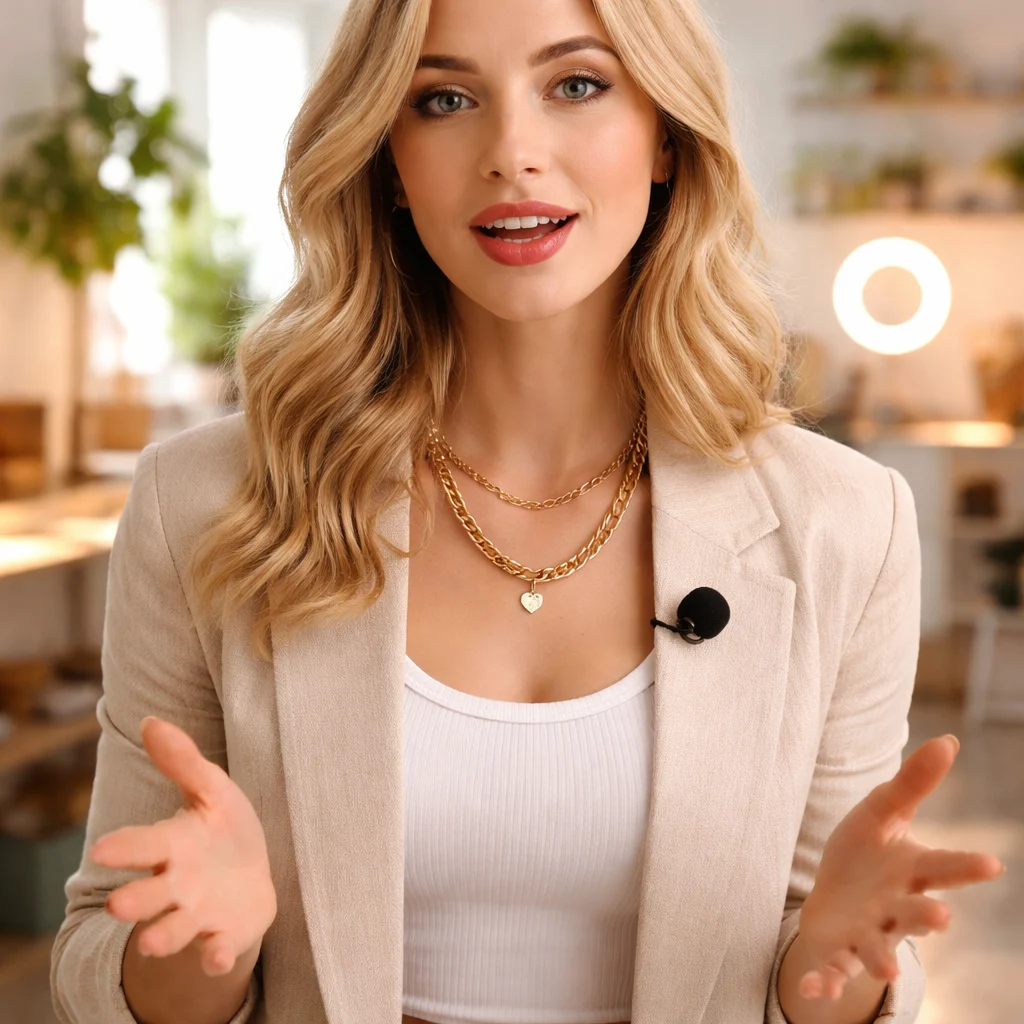
Create Dialogue and Audio-Aware Clips for Social Surfaces
Use native audio-aware generation for talking scenes, creator-first ads, and vertical videos where voice, lip motion, and social pacing need to land together.
Why Teams Reach for Kling
The value is not only feature coverage. It is getting to a credible draft faster when continuity, narrative flow, and iteration speed all matter.
More Usable First Drafts
Kling is a strong everyday choice when you need a scene that already feels watchable in the first pass instead of spending several runs just to find the right motion language.
Who it is for
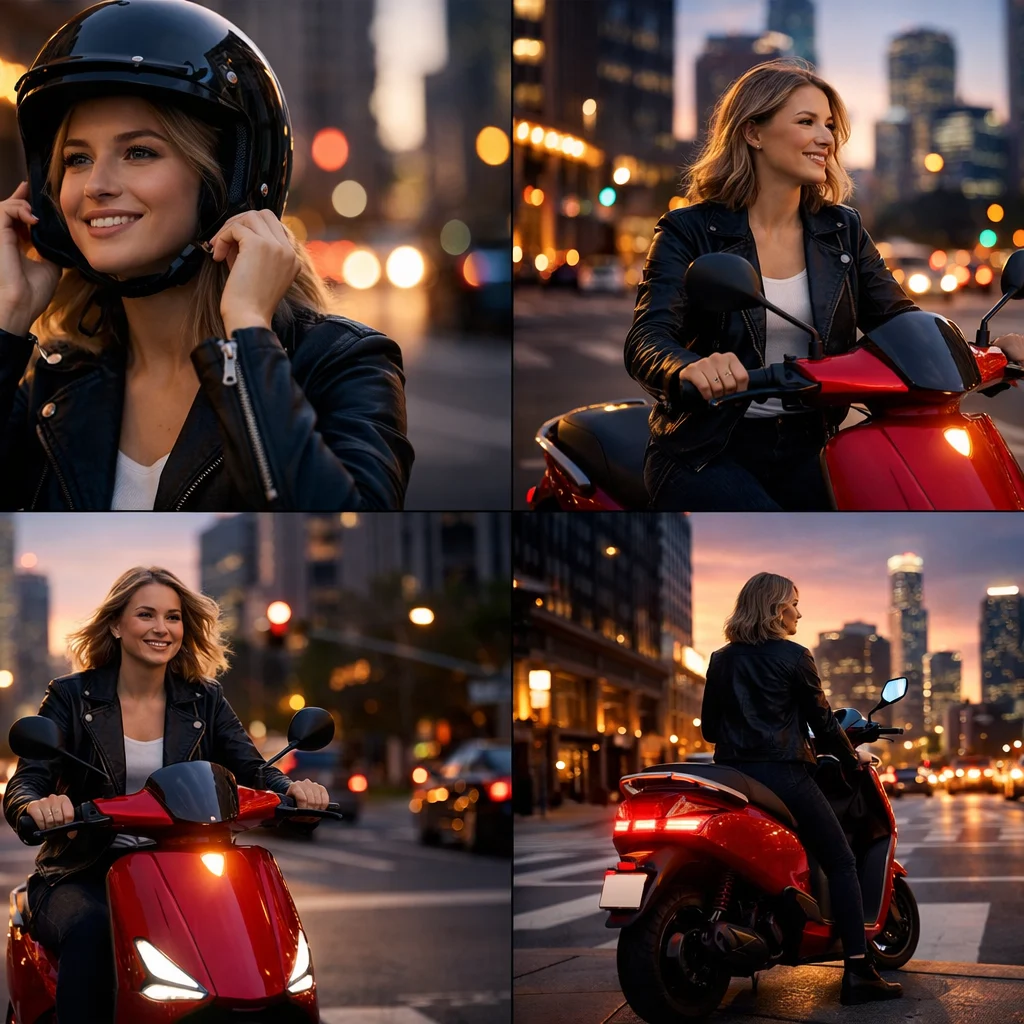
Creators and Social Teams
Use Kling for shorts, hooks, talking scenes, product clips, and vertical content that needs to feel polished fast.
Marketing and Growth Teams
Turn campaign ideas, product moments, and launch concepts into quick video drafts that are easier to pitch, test, and adapt.
Agencies and Creative Studios
Prototype story beats, visual identity directions, and short narrative scenes before committing to heavier production.
Product Storytellers
Build product-focused visuals where subject consistency, readable motion, and cleaner scene direction matter more than raw novelty.
Use cases
Prompt and workflow guidance
A prompt formula that works
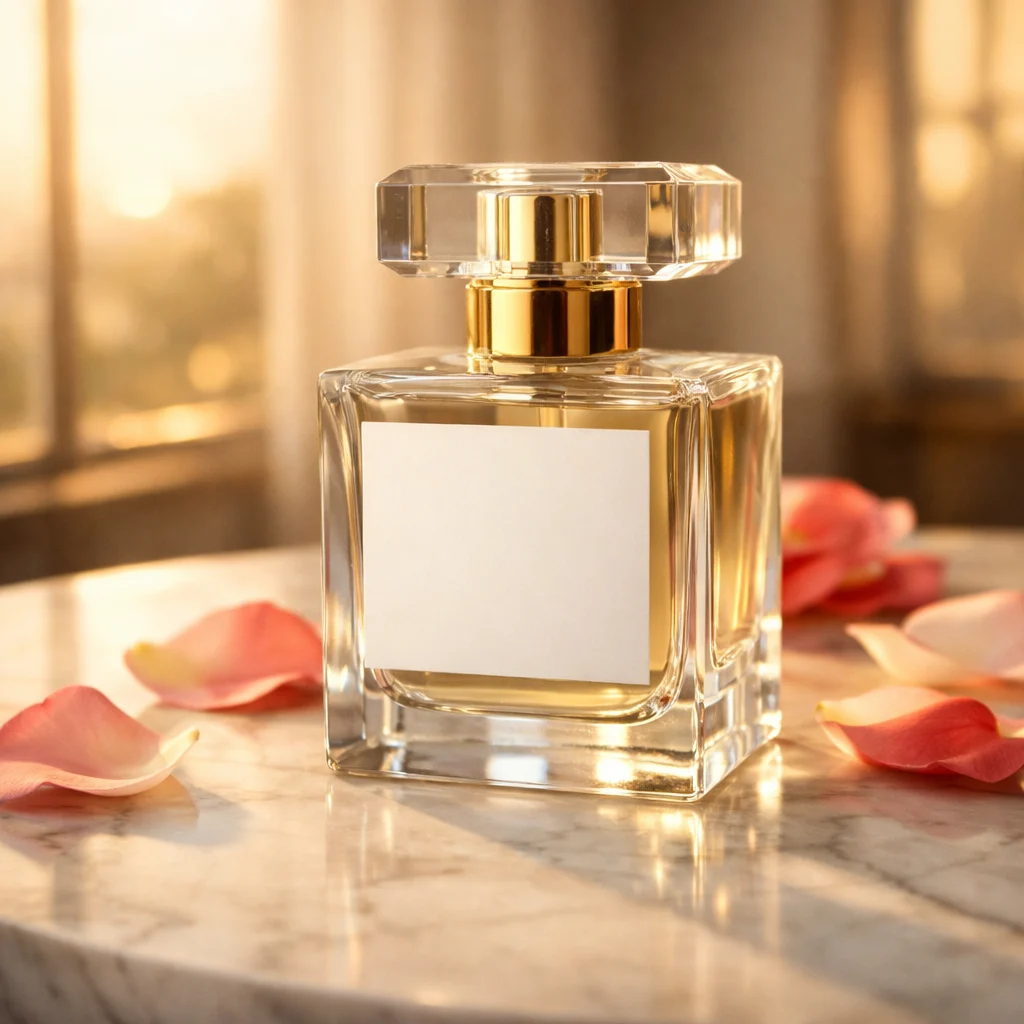
Start with subject and action, then add environment, framing, camera movement, timing, and audio intent. Example: luxury perfume bottle on a marble counter, warm golden-hour light, slow orbit camera move, soft fabric movement in the background, elegant whispered voiceover, premium beauty ad pacing.
When to use images or element references
Bring in images when the product shape, character identity, or brand style must remain recognizable. This is especially useful for product ads, repeated character scenes, and visual campaigns that need more stability across motion.
How to get stronger multi-shot results
Keep each shot objective clear. Describe what changes between beats, how the camera should move, and what must stay consistent. Review pacing and shot continuity before adding more style layers or extra effects.
FAQ
More to explore
More Tools



Start Creating with Kling
Open the video workspace, test one focused prompt or reference-led scene, and use the first useful draft to refine continuity, shot design, and pacing.